
MetaTrader 5 demo account: detailed information on risk-free trading
Prepared by the Libertex team
Content reviewed internally in accordance with regulatory standards.
A MetaTrader 5 demo account allows traders to get to know the platform's features without any financial risk. These virtual trading accounts provide access to real-time market data and all MT5 platform features, while trading with virtual capital. Risk-free trading on a MetaTrader 5 account enables traders to develop and test trading strategies before using real capital.
The platform offers comprehensive options for trading various financial instruments such as forex, CFDs, stocks and commodities. A demo account is an ideal training environment for learning MetaTrader 5's technical analysis tools, order types and risk management features.
Please note that trading leveraged CFDs can be risky and may result in the loss of all your invested capital.
What is an MT5 demo account, and why is it important?
An MT5 demo account is a practice account on the MetaTrader 5 trading platform, funded with a virtual balance. It enables trading under realistic market conditions without real money. The demo account replicates the full functionality of the live trading environment and provides access to the same markets, charts and analysis tools.
Brokers such as Libertex offer MT5 demo accounts free of charge. These accounts are typically funded with virtual starting capital of between €10,000 and €100,000. Trading conditions largely mirror those of a live account, including spreads, leverage and execution speed.
Key features of an MT5 demo account:
- Full access to all trading instruments (forex, CFDs, stocks, commodities)
- Real-time market data and price quotes
- 38 built-in technical indicators and advanced charting tools
- Expert Advisors and automated trading
- Unlimited use with many brokers
- Option to backtest trading strategies
Benefits of a MetaTrader 5 demo account
For those new to trading, an MT5 demo account offers many learning opportunities with no financial risk. Traders can familiarise themselves with the interface, develop their own trading strategies, practise technical analysis, and test different approaches to stop-loss, take-profit and position sizing. MetaTrader 5 offers one-click trading, 38 built-in technical indicators and 21 timeframes for chart analysis.
Differences between demo and live trading
Although a MetaTrader 5 demo account simulates the real trading environment, there are important differences compared to live trading. Technically, live trading can involve slippage, variable spreads and requotes, while demo accounts often provide idealised conditions.
The biggest difference lies in trading psychology. When trading virtually, there is no emotional pressure associated with real money. Fear of losses, greed for profits and impulsive decisions do not occur to the same extent on a demo account. Traders should take these psychological factors into account when preparing to switch to live trading.
MetaTrader 5 costs
The MetaTrader 5 software itself is free. Costs only arise when you actually trade via a broker. The main costs are spreads (the difference between the buy and sell price), commissions on ECN accounts, swap fees for overnight positions, and possible inactivity fees. There are no costs at all on a demo account, as no real trading takes place.
MetaTrader 4 vs MetaTrader 5: which is best?
MetaTrader 5 is the successor to MetaTrader 4 and the best MetaTrader 4 alternative. It offers numerous improvements for modern traders, helping you decide which is best between MetaTrader 4 and 5. While both platforms are widely used, MT5 has key advantages, such as having the best free forex Expert Advisor MetaTrader 5 can offer and more.
Feature | MetaTrader 4 | MetaTrader 5 |
Time Frame | 9 | 21 |
Order types | 4 (Market, Pending, Stop, Limit) | 6 (plus Stop Limit, Buy Stop Limit) |
Built-in indicators | 30 | 38 |
Programming language used | MQL4 | MQL5 (faster, object-oriented) |
Economic Calendar | Not integrated | Integrated |
Depth of Market | Not available | Available |
Multi-asset trading | Primarily forex | Forex, stocks, futures, options |
The MQL5 programming language offers significant performance advantages over MQL4. Expert Advisors run faster and can implement more complex algorithms.
How to open an MT5 demo account in just a few steps
If you want to open an MT5 demo account, you'll find the process straightforward — setup takes just a few minutes. The steps are similar to those of most brokers.
Brokers such as Libertex offer both desktop versions and mobile apps for Android and iOS. Registration does not require a deposit and is usually possible without identity verification. Most brokers allow you to choose between different currencies (EUR, USD, GBP) and starting amounts.
Setup requirements
Before opening an MT5 demo account, you should check the following requirements:
Technical requirements:
- Stable internet connection (at least 1 Mbit/s)
- Compatible operating system (Windows, macOS, Android or iOS)
- Sufficient storage space for installation
- E-mail address for registration
Choosing a reputable broker is essential. Look for regulation by authorities such as CySEC, BaFin or the FCA.
MT5 system requirements
System | Minimum | Recommended |
Windows | Windows 7 or later | Windows 10/11 |
macOS | macOS 10.10 or later | Latest version |
Android | Android 5.0 | Android 10+ |
iOS | iOS 11.0 | iOS 15+ |
Storage space | 300 MB | 1 GB for optimal performance |
Internet connection | 1 Mbit/s | 5+ Mbit/s |
Step-by-step guide to opening an account
Download and installation
Visit the website of a regulated broker such as Libertex and download the installation file. Run the file and follow the installation instructions.
Account creation
After installation, open the platform. When you launch it for the first time, an account creation window will appear automatically. Select "Open a demo account" and search for your chosen broker's server. Complete the registration form with your name, e-mail, phone number and account settings (virtual starting capital and leverage).
Login
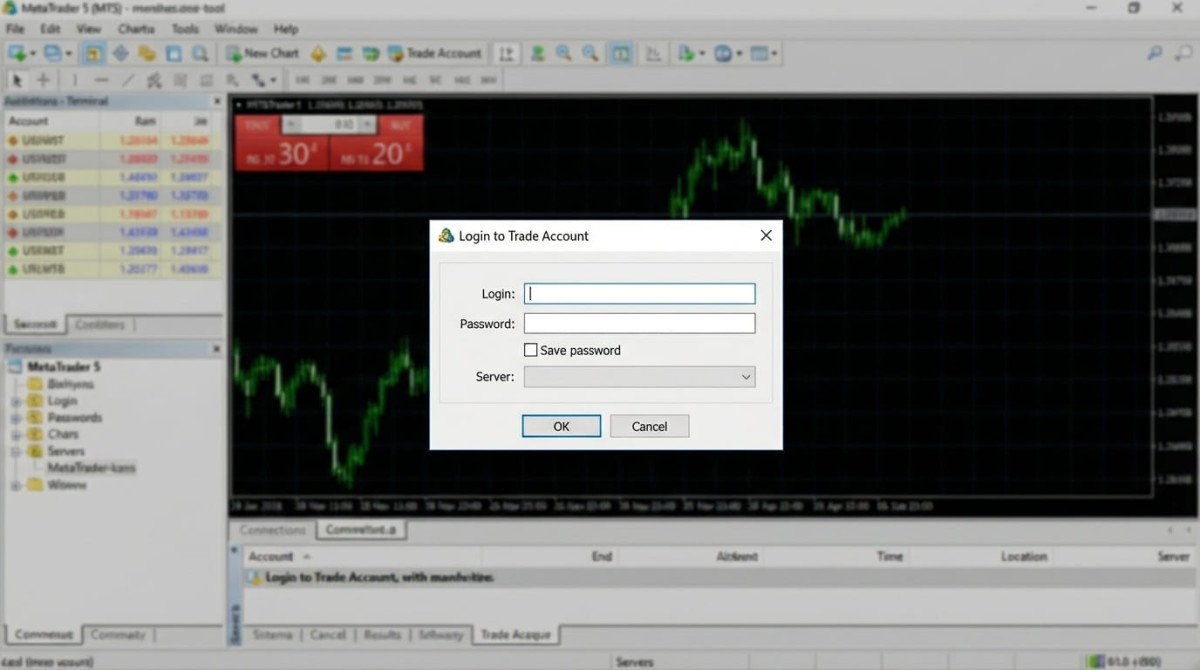
After submitting, you will receive your login details by e-mail: login number, password and server address. Enter the access details in MetaTrader 5. Once connected successfully, you will see your virtual balance and can start trading.
Installation on different devices (PC, Mac, mobile)
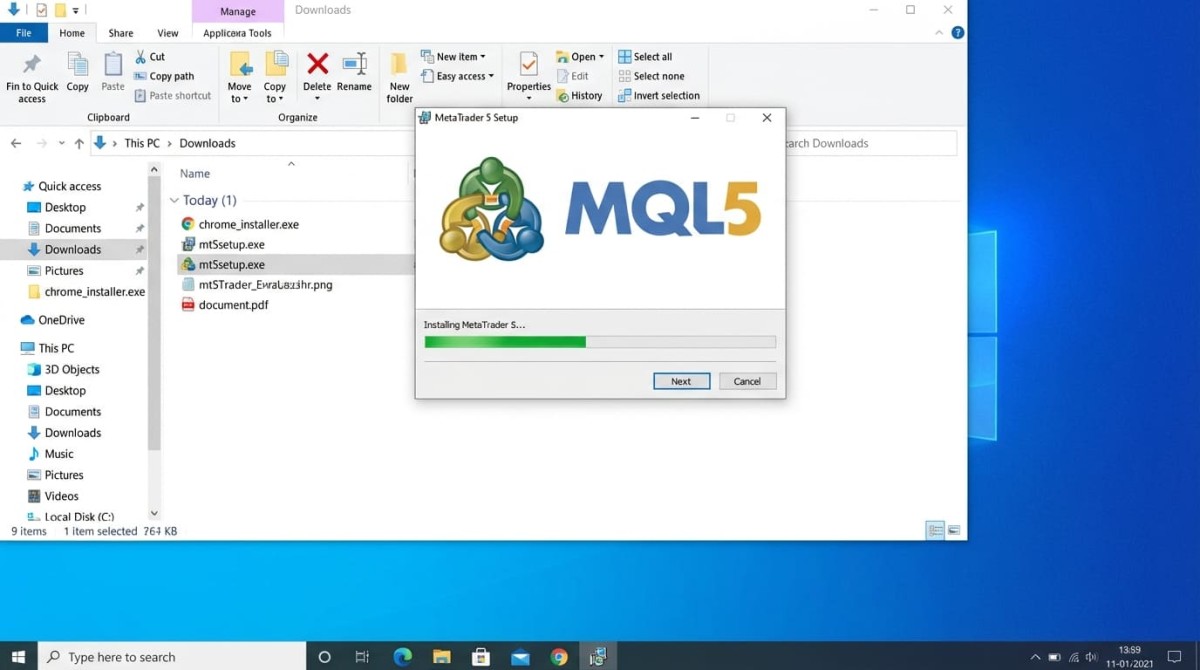
Windows: Download the setup file (.exe) from the broker's website. Install it by double-clicking the file. Once completed, MT5 will be available in the Start menu.
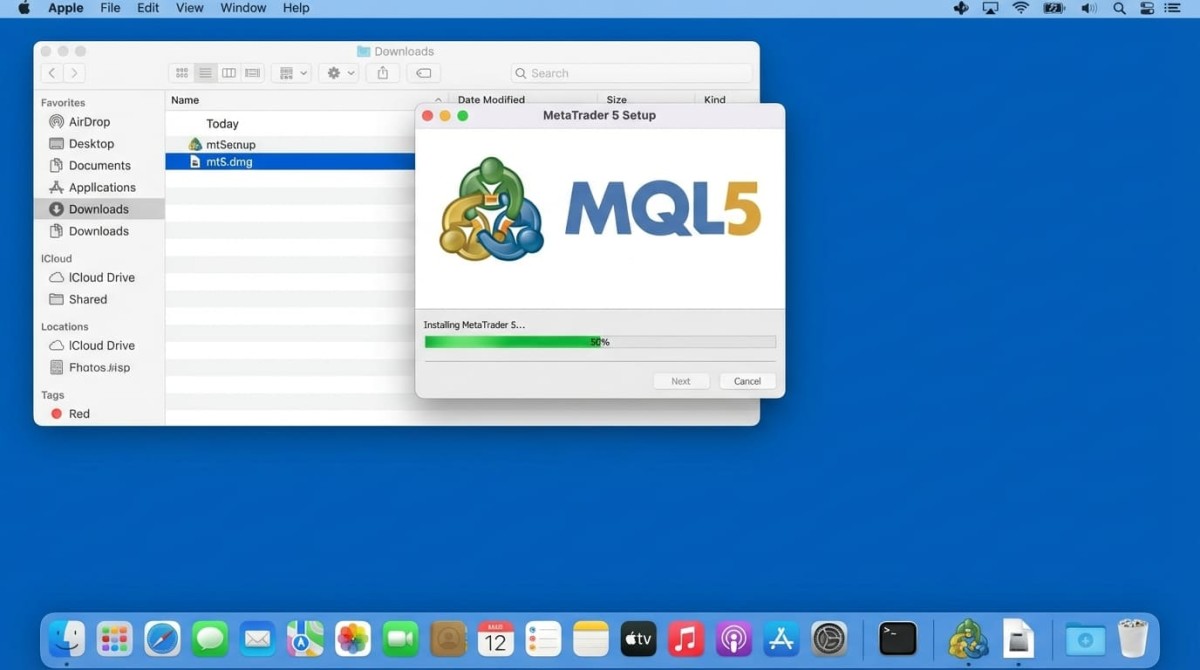
macOS: Download the .dmg file and drag the application into the "Applications" folder. On first launch, macOS may display a security warning.
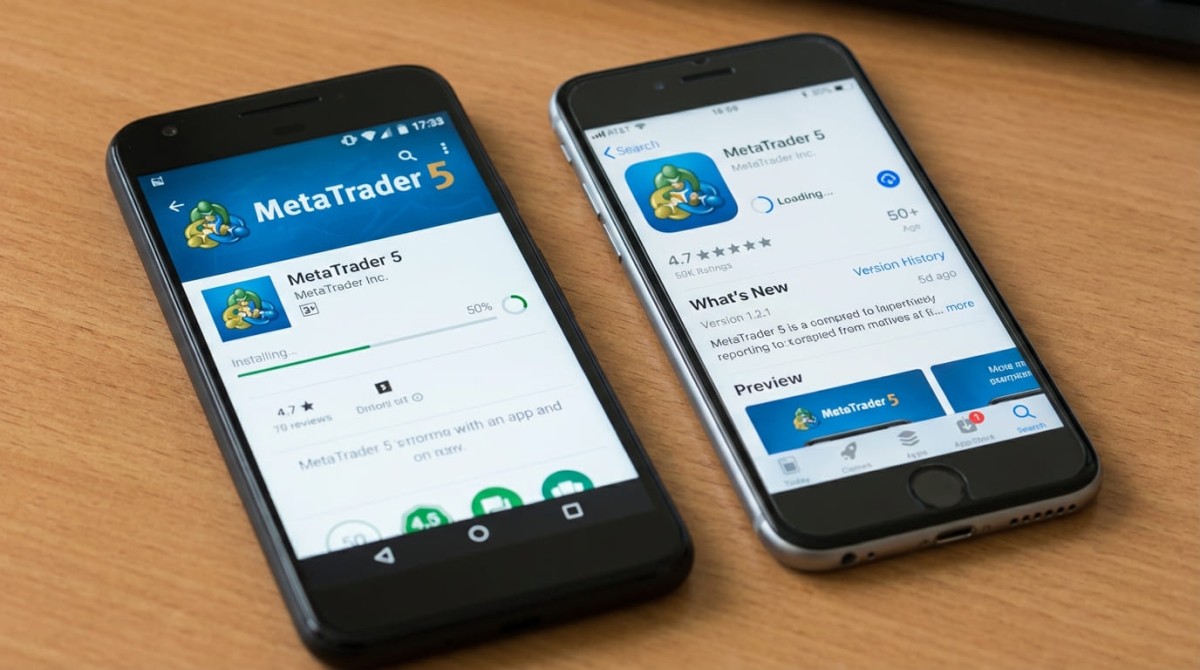
Android/iOS: Download the MetaTrader 5 app directly from the Google Play Store or the Apple App Store.
Authorisation and login process
To log in, you need three pieces of information: login ID (account number), password and server address. You will receive this information by e-mail after opening the account. If you have problems, check for typos, your internet connection and your firewall settings.
Getting the most out of an MT5 demo account: training tips
A MetaTrader 5 demo account offers more than just a training environment. It's a powerful tool for strategy development and optimisation. Using it effectively requires a structured approach and realistic expectations.
Key aspects of demo trading:
- Trading journal: Documenting every trade with its rationale, entry, exit, profit/loss and learnings can support the learning process.
- Realistic simulation: Treating virtual money like real money helps you prepare more authentically.
- Different timeframes: Testing scalping (M1–M15), day trading (H1–H4) and swing trading (D1–W1) offers different perspectives.
- Available tools: Technical indicators, drawing tools and Expert Advisors are available to explore.
- Realistic goals: Focusing on learning progress rather than virtual profits supports sustainable development.
Technical analysis in MetaTrader 5 includes 38 built-in MetaTrader indicators free of charge, such as moving averages, RSI, MACD, Bollinger Bands and Fibonacci tools. A demo account is the ideal environment to learn how to combine these tools.
Trading strategies to test
A demo account is ideal for testing different trading approaches without financial risk.
Moving average crossover: This strategy uses two moving averages with different periods. A buy signal occurs when the fast MA crosses above the slow MA from below.
Bollinger Bands mean reversion: This strategy is based on the assumption that prices revert to the mean in ranging markets. Trades are placed at the lower and upper bands.
RSI divergence strategy: Identifying divergences between price and the RSI indicator as reversal signals.
MetaTrader 5 supports automated trading via Expert Advisors, which can be tested risk-free on a demo account.
Avoid common demo trading mistakes
Common demo trading mistakes include not keeping a trading journal, poor risk management and unrealistic expectations. Documenting trades and market observations supports the learning process. Stop-loss orders and a maximum risk of 1–2% per trade are among the basic risk management practices. Taking the demo account seriously, setting realistic goals and analysing losses creates a solid foundation for later live trading.
From demo to live: making the transition
The biggest difference between demo and live trading is the emotional component. In live trading, fear of losses, greed for gains and euphoria come into play — none of which are present in a demo account.
A gradual transition can make it easier to get started: very small positions allow you to experience real emotions with minimal risk. Limiting yourself to 1–2 trades per day helps prevent rushed decisions. Micro accounts serve as an intermediate step, using real money but small amounts. Common risk management guidelines in live trading include: maximum risk of 1% per trade, a daily loss limit of 2–3%, and a weekly loss limit of 5–10%.
When is the right time to switch?
The decision should be based on objective criteria: consistent profitability for at least 3 months, a win rate above 50%, a profit factor above 1.5, a maximum drawdown below 15%, and at least 100 documented demo trades. Also important are a written trading plan, emotional stability, an understanding of risk management and realistic expectations.
Be mindful of psychological differences
Trading psychology is the main difference between demo and live trading. Emotional reactions to wins and losses have a major impact on trading decisions.
Typical emotional traps in live trading: Fear leads to missed opportunities, delayed entries and closing profitable positions too early. Greed encourages excessive risk-taking, ignoring stop-losses and deviating from the trading plan. Hope makes traders hold on to losing positions and increase losses by averaging down.
Techniques for emotional control: Regular meditation helps you recognise and manage emotional reactions. Document not only your trades, but also your emotional state before, during and after the trade. Automated stop-loss orders prevent manual interference and enable consistent risk management.
Frequently asked questions about MT5 demo accounts
Can I use MT5 without a broker?
MetaTrader 5 can be installed without a broker, but the functionality is severely limited. Without a broker, you won't receive live market data and you can't trade. Only the Strategy Tester is available. For the full demo account experience, a broker connection is required.
What is an MT5 demo account, and how can I test it?
An MT5 demo account is a free practice account on the MetaTrader 5 platform with virtual money, replicating all the features of the live trading environment under realistic market conditions. To test it, download MT5 from the website of a regulated broker and open a demo account directly in the platform. Setup takes just a few minutes and requires no deposit.
How do I open a MetaTrader 5 demo account?
Download MT5 from the website of a regulated broker and install the software. Start the registration process via "File → Open an Account", select the broker server and set the account properties (starting capital, leverage, currency). After confirmation, you'll receive login details by e-mail and can start trading virtually straight away.
Is the MT5 demo account free?
Yes, the MT5 demo account is completely free, with no fees for opening, use or maintenance. The MetaTrader 5 software can also be downloaded for free. Costs only arise in live trading through spreads, commissions and possibly swap fees.
How long does an MT5 demo account last?
The duration of an MT5 demo account varies by broker, typically between 30 and 90 days. Some providers offer demo accounts with no time limit. After it expires, you can easily open a new demo account with the same parameters.
How does an MT5 demo account prepare me for real trading?
An MT5 demo account prepares you technically and strategically for live trading by helping you learn the platform features, order types, chart analysis and risk management tools. You can test trading strategies under realistic market conditions with real-time data, program Expert Advisors, and try out different trading styles. However, a demo account cannot fully replicate the psychological element of real emotions around losses and wins.
Which trading instruments are available in a MetaTrader 5 demo account?
An MT5 demo account provides access to the same instruments as a live account: forex (major, minor and exotic currency pairs), CFDs on indices (DAX, S&P 500, NASDAQ), CFDs on commodities (gold, silver, oil), CFDs on stocks, cryptocurrencies (Bitcoin, Ethereum) and ETFs. The exact selection depends on the broker.
How do I use a MetaTrader 5 demo account?
After logging in, the MT5 interface opens with Market Watch, charts, the Terminal and the Navigator. To place a trade, select an instrument in Market Watch, open a chart, click "New Order" (or press F9), choose the type, volume and stop-loss/take-profit, then confirm with "Buy" or "Sell". You can find technical indicators under "Insert → Indicators"; the platform can be customised to your needs.
What psychological differences are there between demo and live trading?
The fundamental difference is emotional involvement: there is no financial pressure in a demo account. In live trading, fear of losses leads to delayed entries or premature exits, greed encourages excessive risk-taking, and hope makes traders hold on to losing positions. A demo account's relaxed mindset supports more rational decisions; losses are not taken personally, and performance is often better than in live trading.
What happens after the demo phase of an MT5 account ends?
If an MT5 demo account expires after 30 or 90 days, you will lose access to that account, including its trading history and balance. You can create a new demo account with the same parameters via the MT5 platform, ask your broker for an extension, switch to a broker that offers an unlimited demo account, or move on to a live account.
Disclaimer: The information in this article is not intended to be and does not constitute investment advice or any other form of advice or recommendation of any sort offered or endorsed by Libertex. Past performance does not guarantee future results.
Why trade with Libertex?
- Get access to a free demo account free of charge.
- Enjoy technical support from an operator 5 days a week, from 9 a.m. to 9 p.m. (Central European Standard Time).
- Use a multiplier of up to 1:30 (for retail clients).
- Operate on a platform for any device: Libertex and MetaTrader.